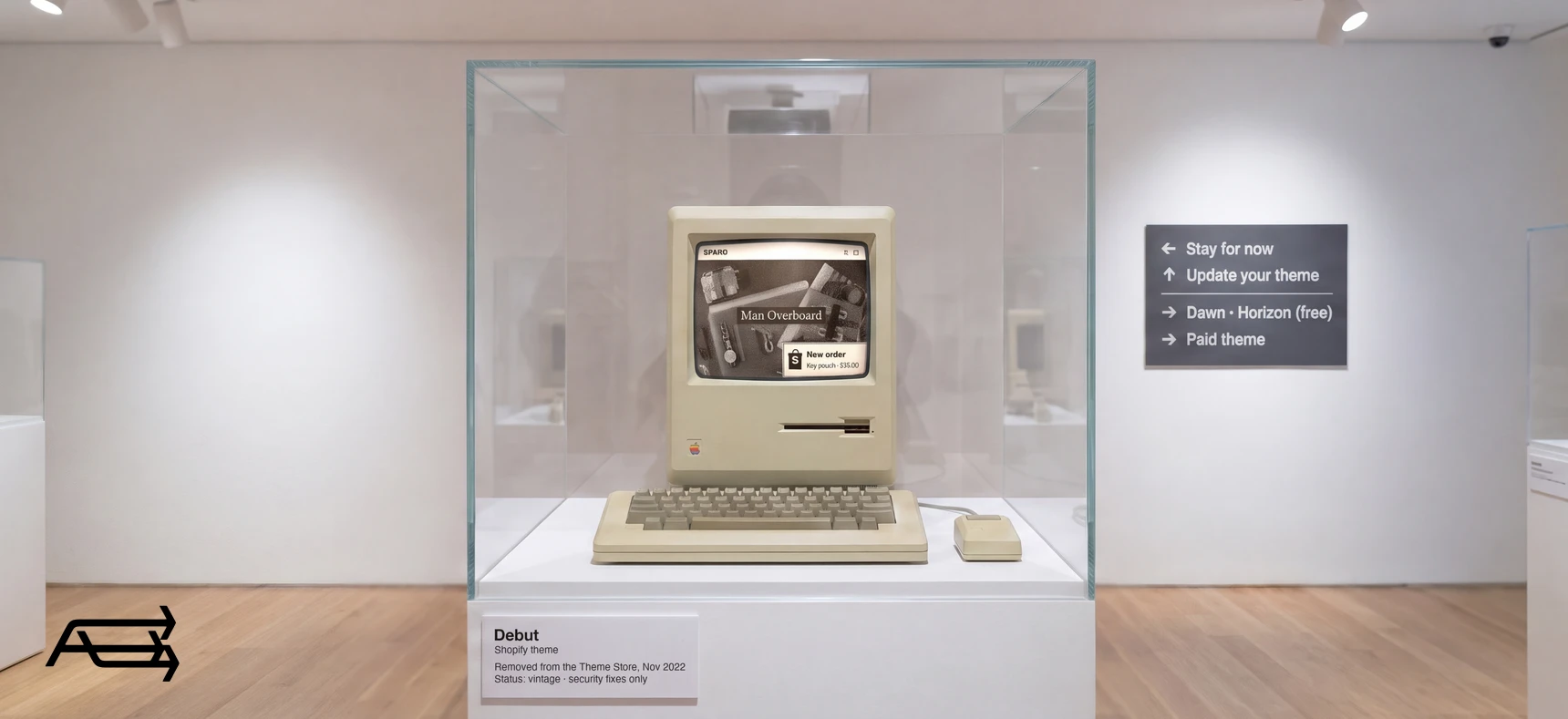
Debut, Supply, Minimal and the rest of Shopify's older free themes still take orders, and nothing in your admin tells you to move. But they left the Theme Store in 2022, they get security fixes and nothing else, and the features Shopify lists for newer themes, from sections on every product page to collection filters, don't come to them.
If your store runs on one of them, you have four options. This article explains what changed, what each option really costs, and why the move is worth planning now.
In short
- Shopify calls these themes "vintage". They were removed from the Theme Store in November 2022, and Shopify's free vintage themes get security fixes only.
- They can't add sections to product and collection pages, create templates, filter collections or use app blocks. Apps that use app embeds still work on them.
- Four options: stay, update to your theme's last version, move to a free current theme (Dawn or the Horizon family), or move to a premium theme.
- Staying costs more each year: every small change needs a developer, and the work nobody wrote down grows. We'd plan the move now.
How to use this article
Give it twenty minutes and your Shopify admin.
First, confirm what you're on. In your admin, go to Online Store > Themes. Your live theme's name and version are shown at the top. Shopify's own test for a vintage theme: open the theme editor on your default product page. If there's no "Add section" button below the list of sections, the theme is almost certainly vintage.
Then read the four options with your own store in mind. Each ends with what to watch. The three questions further down turn your answers into a date for the move.
What "vintage" means, and what changed
Shopify sorts themes into three generations. Vintage themes are the original kind. Online Store 2.0 themes, like Dawn, arrived in 2021 with sections on every page. The newest, the Horizon family, are built on theme blocks. Shopify's comparison of theme versions sets out what each generation supports.
Three things happened to the vintage themes.
They left the Theme Store. A Shopify staff member confirmed on Shopify Community that "As of November 2022, the Debut theme along with eight other themes were removed from our theme store." New stores can't pick them, and you can't add them to an existing store.
They get security fixes only. In Shopify's words, "Shopify's free Vintage themes don't receive updates beyond security fixes." Your theme stays safe to run. It just won't learn anything new.
Shopify's page on updating themes is plainer still: a vintage Shopify theme "has been sunset and is no longer updated by Shopify". Its advice: "Consider upgrading to a newer theme, or seeking the assistance of a Shopify Partner." We're a Shopify Partner, and that move is our work.
The newer features went elsewhere. Everything Shopify's comparison lists beyond homepage sections is marked unavailable for vintage themes. The next section shows what that covers.
One owner on Shopify Community described the position many vintage stores are in. Their developers had called the site an "incredibly old and now-unsupported theme", a rebuild felt like "a very large undertaking that we could frankly do without", and the owner worried about what happens "if they ever pull the plug on the theme entirely". That's the decision this article is about.
Debut, Supply, Dawn and Horizon: what each can and can't do
Debut, Supply and Minimal are vintage themes, like Brooklyn, Venture, Narrative, Simple and Boundless. Dawn is Shopify's free Online Store 2.0 theme. Horizon leads a family of ten free themes Shopify released in May 2025, built on theme blocks. Here's what that means in practice, from Shopify's help pages:
| What you can do | Debut, Supply, Minimal (vintage) | Dawn (Online Store 2.0) | Horizon family (theme blocks) |
|---|---|---|---|
| Sections on the homepage | Yes | Yes | Yes |
| Sections on product and collection pages | No | Yes | Yes |
| Create templates in the editor | No | Yes | Yes |
| App blocks placed inside a page | No | Yes | Yes |
| App embeds (pop-ups, chat, tracking) | Yes | Yes | Yes |
| Collection filters | No | Yes | Yes |
| Predictive search | No | Yes | Yes |
| Content from custom fields, set in the editor | No | Yes | Yes |
| Theme blocks | No | No | Yes |
| In the Theme Store today | No | Yes | Yes |
| Updates | Security fixes only | Yes | Yes |
The rows that matter to owners are the second and fourth. On a vintage theme, your product page is fixed: to add a size chart, a delivery note or an app's widget, someone edits the code. On a newer theme, you add a section or a block in the editor.
App embeds are the exception. Shopify says "App embeds can be used with any theme version", so apps that float over the page or run in the background keep working on a vintage theme, including after Shopify's script tag change on 1 March 2027. That keeps them running. It doesn't give the theme anything new.
Your four options
Each option below has the same four parts: what it means, when it fits, what it takes, and what to watch.
1. Stay on your theme
What it means. Keep the theme you have and put the decision off.
When it fits. As a short pause while you plan the move: a busy season, a launch coming up. Not as a plan.
What it takes. Little today, more each year. Every change a newer theme lets you make in the editor becomes a developer's job, apps that need a place inside the page have to be fitted by hand, and every edit nobody writes down adds to the work of leaving later.
What to watch. The first time you pay a developer for something a newer theme does in the editor. That's the cost of staying, and it comes back with every change.
2. Update to the last version of your theme
What it means. Some stores run an early version of their vintage theme, such as Debut 2.2.1, while the theme's last version is much later. You can move to that later version.
When it fits. Rarely. The later version is still vintage, so it doesn't add sections to product pages, filters or app blocks.
What it takes. More than owners expect. The owner in the Debut thread above was told by Shopify support that the only route was to "manually copy and paste the code over for each individual page". You get bug fixes and no new features, for a job that's close to a theme change in size.
What to watch. If you're going to put in that much work, put it into a move: option 3 or 4.
3. Move to a current free theme
What it means. Switch to Dawn or one of the Horizon family. Both are made and updated by Shopify, both are free, and both have everything in the table's newer columns. Our comparison of Dawn, Horizon and premium themes sets the three side by side.
When it fits. A small catalogue and a simple look, with time set aside to make the theme your own with photos, colours and wording.
What it takes. A full theme change: rebuilding your layout, wording, templates and any code changes in the new theme, reconnecting apps, and testing before publishing. The theme is free. The setup is the work.
What to watch. Free themes run on a great many stores, so a store left close to the demo looks like many others.
4. Move to a premium theme
What it means. A paid theme from a third-party developer, with features the free ones don't have, set up as your store.
When it fits. The look of the store is part of what you sell, you pay monthly for apps that add things like a countdown timer or a stock counter, or your catalogue is very large or very small. Our comparison of free and premium themes goes through each reason.
What it takes. The same rebuild as option 3, plus choosing the theme against a list of what your store needs. This is the move we make for vintage stores: a premium theme set up with your products, wording and apps, built while you keep selling.
What to watch. A paid theme isn't faster or better by default. It pays off when its features replace apps or developer work you'd otherwise pay for, and when it's set up properly.
The four at a glance
| # | Option | When it fits | What it takes |
|---|---|---|---|
| 1 | Stay | A short pause while you plan the move | Little now; a developer for each change after |
| 2 | Update to the last version | Rarely | Close to a theme change, for bug fixes only |
| 3 | Move to Dawn or Horizon | Small catalogue, simple look, time to make it yours | A full rebuild; the theme is free |
| 4 | Move to a premium theme | The look sells; features replace apps | A full rebuild, plus the theme |
When to move: three questions
- In the last year, did you pay someone to edit code for a change you'd make yourself on a newer theme? A section on the product page, a filter, an app's widget.
- Is something you want for the store not possible on your theme? Check it against the table.
- Will the store matter more to your business next year than it does today? More products, or more of your sales coming through it.
Yes to two or three. Move now. The longer the theme stays, the more code changes pile up that someone will have to rebuild.
Yes to one. Plan the move for your next quiet season, and before 1 March 2027 if you can. Your apps' switches are set per theme, so moving first means setting them up once.
No to all three. The move can wait for a quiet season. Use the time to write down every code change on your theme: it makes the move faster.
Ten years on the same theme: when staying starts to cost
A theme doesn't age on a schedule, and nothing breaks on its tenth birthday. What changes is the cost of working around it. Each small change becomes a code edit, and edits nobody wrote down make the eventual move harder.
Owners often notice it through one small wish: a row of shipping information on the product page, or an app that wants to sit under the price. On a newer theme, that's a few minutes in the editor. On a vintage theme, it's a developer's time, and the next time it's another developer's time. Our article on the signs your store has outgrown its theme has seven checks you can run on your phone.
Before 1 March 2027: your apps
On 1 March 2027, Shopify stops loading apps' old script tags. Apps that move to app embeds keep running on a vintage theme, and that's all the patch does. Embeds are switched on per theme, so if you're moving, move first and set your apps up once. Our article on the 1 March app change has the full check.
What a new theme won't fix
A newer theme gives you the editor and the features. It doesn't bring traffic or replace weak product photos. And it carries over none of the code changes made to your old theme: those get listed and rebuilt, or dropped on purpose.
Traffic, photos and the product page are the next jobs after the move, and they're ours too, in our SEO, creative and conversion work.
Moving off a vintage theme: the steps
- List what your theme does today. Pages, sections, wording, apps, and every code change anyone can remember.
- Choose the theme against that list. Free or premium, by the features on your list. Demo photos flatter every theme.
- Duplicate your current theme as a backup before anything changes.
- Build the new theme as a draft. Your vintage theme keeps selling while the new one is set up.
- Rebuild or drop each code change on purpose. Many become settings or sections on a newer theme.
- Switch on every app, test on a phone, place a test order, then publish. Keep the old theme in your library for a few weeks.
Our article on what happens when you change theme goes through what lives inside your theme and how a careful switch protects it.
Do it yourself, or hand it to us?
What a move takes on your own. Learning a new theme editor. Finding every code change on the old theme, including the ones nobody wrote down. Rebuilding the homepage, product pages and templates, setting every app up again, and testing on a phone and a computer, with a test order, before you publish. All of it can be learned. It's also many hours, taken from your products and your customers.
What we do. We move vintage stores to a current premium theme: built away from your live store, with your products, wording and apps set up, the old code found and dealt with, and everything tested before it goes live. You keep selling while we build, and the work takes us days. That's our Store Design & Theme Development work.
Questions store owners ask
Is the Shopify Debut theme still supported?
Debut is a vintage theme. It was removed from the Theme Store in November 2022, and Shopify's free vintage themes get security fixes only. It keeps working on stores that already use it, without new features.
Can I still use Debut or Supply on my store?
Yes, if it's already installed. New stores can't pick it, and you can't add it from the Theme Store to an existing store.
Can I upgrade Debut to Online Store 2.0?
Not in place. Getting the newer features means moving to a newer theme: set up as a draft, tested, and published when it's ready, while the old one keeps selling.
Is Dawn the replacement for Debut?
Dawn is Shopify's free Online Store 2.0 theme, and many Debut stores move to it; the Horizon family is the newer free option. Either way, the theme is the start. A store left close to the demo looks like many others, so the setup is where the work goes. For a store whose look is part of what it sells, a premium theme gives more to work with.
Will my apps keep working on a vintage theme?
Apps that use app embeds will, including after 1 March 2027 once their developer has moved them. Apps that need app blocks inside a page won't appear, because vintage themes don't support them.
Does Shopify plan to switch off vintage themes?
Shopify's help pages don't give an end date. They say free vintage themes get security fixes only and aren't in the Theme Store. We wouldn't wait for one: the cost of staying is the developer time each change takes, and you're already paying it.
Still on a vintage theme? Get a free Store Audit
Send us your store URL and we'll send your Store Audit the same day: your theme and its version, what it can't do, the app scripts that stop on 1 March, and the old code still in your theme. It's free.